Interactive Shell Extension for Yii 2
This extension provides an interactive shell for [Yii framework 2.0](http://www.yiiframework.com) based on [psysh](http://psysh.org/).
For license information check the [LICENSE](LICENSE.md)-file.
[](https://packagist.org/packages/yiisoft/yii2-shell)
[](https://packagist.org/packages/yiisoft/yii2-shell)
Installation
------------
The preferred way to install this extension is through [composer](http://getcomposer.org/download/).
Either run
composer require yiisoft/yii2-shell
or add
```json
"yiisoft/yii2-shell": "~2.0.0"
```
to the `require` section of your composer.json.
Usage
-----
After installation, you will be able to run the interactive shell via command line:
```
# Change path to your application's root directory
cd path/to/myapp
# Start the interactive shell
./yii shell
```
You can access the application object using `Yii::$app`. Additionally you have access to all your and your dependencies' classes.
See [psysh's website](http://psysh.org/#features) for a list of available features.
Screenshot
----------
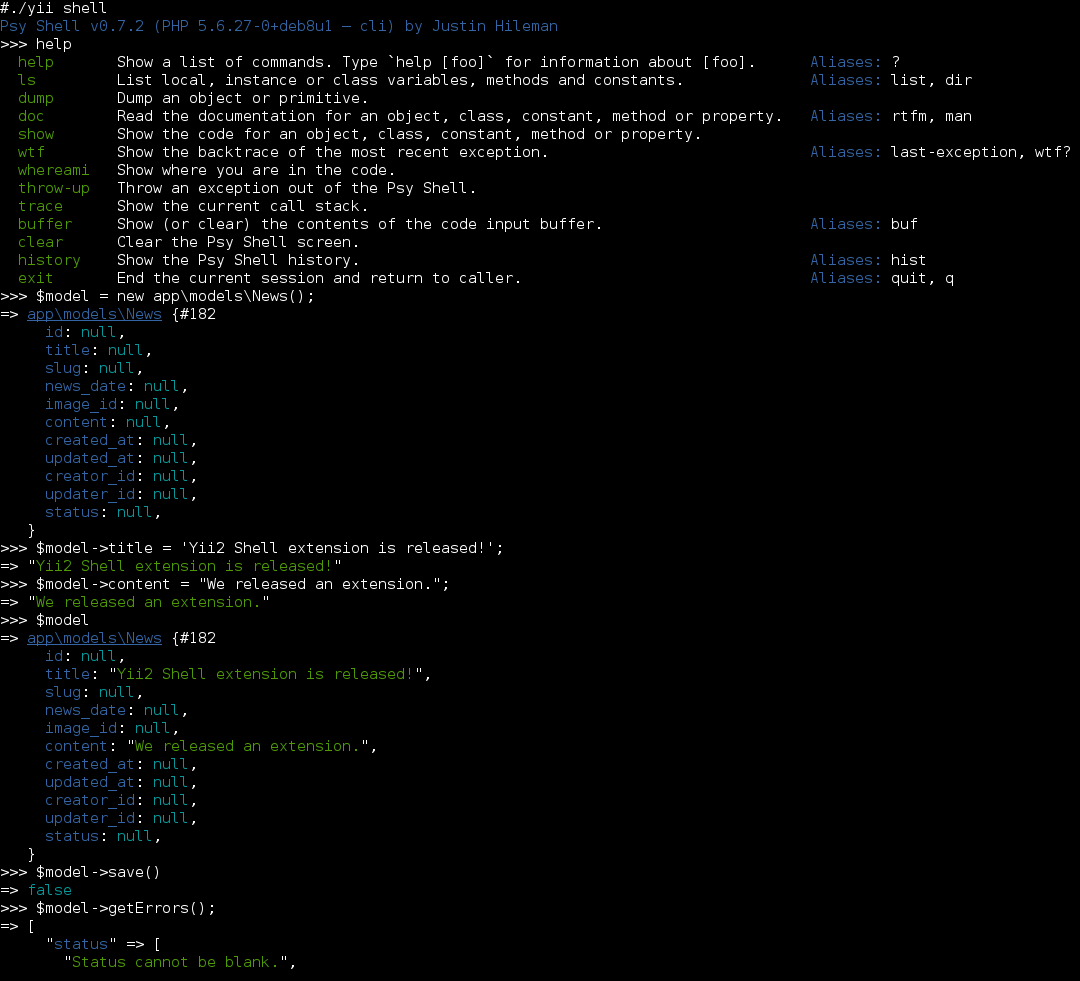
The following screenshot shows a usage example: